
Use this tab to find words from a Words With Friends rack, optionally fitted around letters already on a board.
Words With Friends game and support
Fill out your rack
Specify the letter tiles you want to use. Remember that each tile can only be used once per result. Enter . in a position to create a blank tile.
Add optional filters
Use Starts With, Contains, and Ends With for letters already on the board. These letters shape the result but do not consume Rack Tiles. Use Length(s) to request one or more exact word lengths.
Fit a row or column
Use Board Pattern to describe a board row or column directly. Enter fixed board letters where they appear, and use . for open positions.
A board pattern replaces Starts With, Contains, Ends With, and Length(s) for that search.
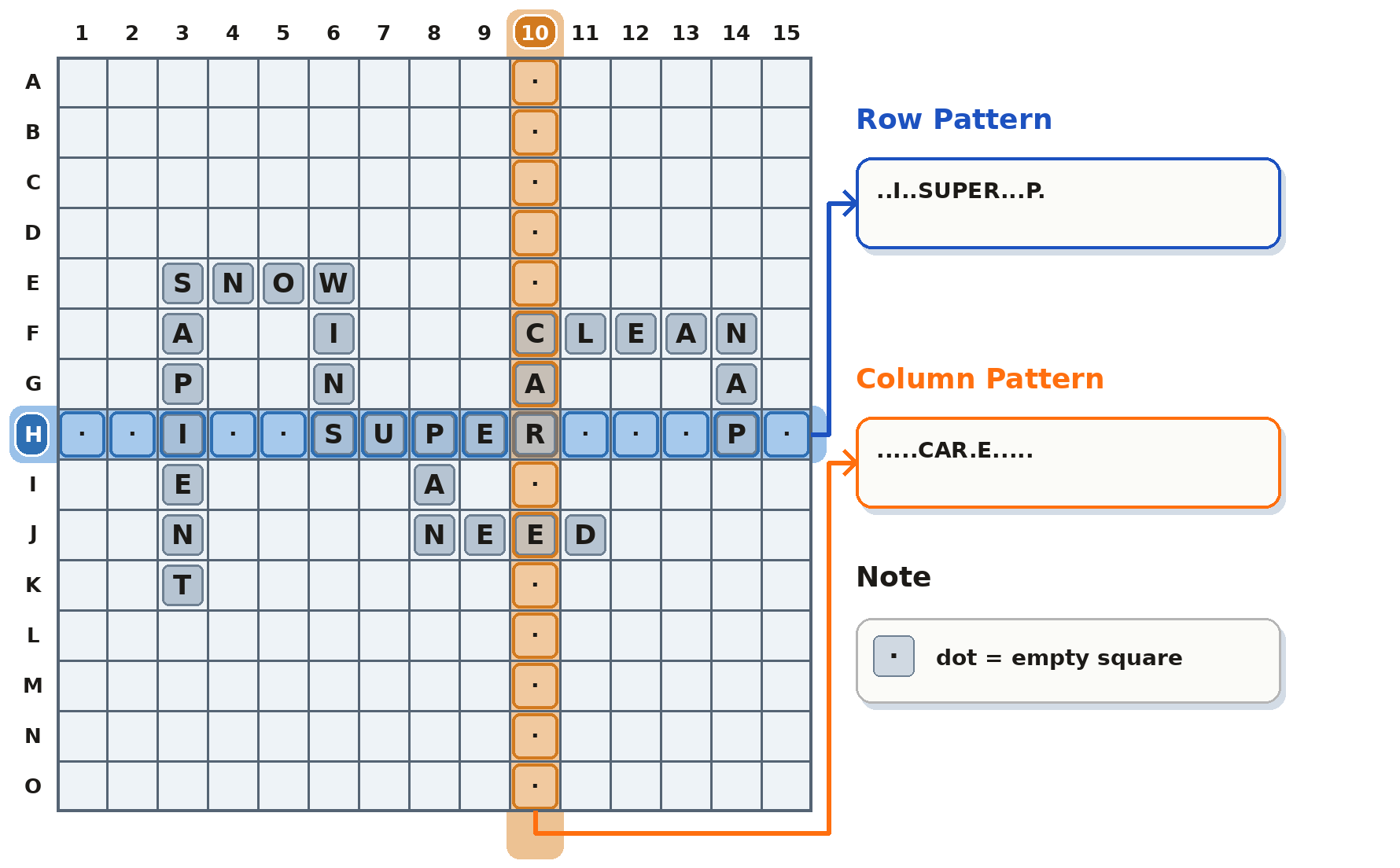
With rack WANET and Board Pattern set to .ALL.BY....THE., matches can include WALL, BYTE, and THEN.
Arrange the results
Open Results to group or sort the current matches by letters, length, or WWF score. Changing these controls does not run the search again.
Scores use the app's WWF tile values. The project does not currently claim exact parity with the current Words With Friends accepted-word list.